What players say
Make a T-Shirt provides a straightforward and enjoyable creative experience. Players can choose from four T-shirt colors and add a cute animal or Pixel Pal character. The interface is clean and easy to navigate, making it suitable for young children. While the print feature is not yet available, the design process itself is satisfying and encourages repeat play. The game offers a safe, ad-free environment for creative expression. It is a nice choice for short, relaxing sessions or as a shared activity with siblings or parents. The limited options keep the game focused and frustration-free.
About this game
Game Introduction
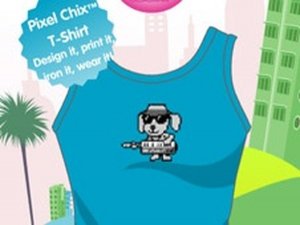
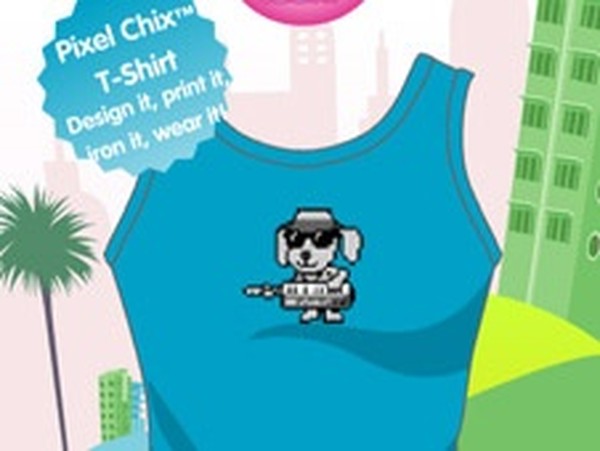
Make a T-Shirt is a delightful online game that lets you express your creativity alongside the charming Pixel Chix characters. Designed for players of all ages, this game offers a simple and joyful experience. You start by selecting a T-shirt color from a palette of white, blue, green, or red. Then, you personalize your shirt by adding your favorite animal friend, such as a cute dog, a playful cat, or a tiny hamster, or choose a friendly Pixel Pal to adorn the front. The process is straightforward and fun, encouraging imaginative expression without complicated steps. Once your design is complete, you can virtually print your T-shirt and show it off to friends. It is a wonderful way to spend time creatively, making each T-shirt unique and special.
How to Play
Playing Make a T-Shirt is incredibly easy. First, choose a color for your T-shirt from the available options: white, blue, green, or red. Next, pick your favorite animal or a Pixel Pal to place on the front of the shirt. You can choose from a dog, cat, hamster, or a special Pixel Pal character. After you have made your selections, you can preview your design. Finally, click the print button to save your creation. Although the print option is currently not available, the process of designing is still fully enjoyable. Let your imagination run wild and create the best Pixel Chix T-shirt ever.
Game Features
Simple and intuitive interface for all ages. Creative customization with color and character choices. Family-friendly content with no ads or violence. Encourages artistic expression and decision-making. Safe for children to play independently.
Tips for Success
To get the most out of your T-shirt design experience, try experimenting with different color and character combinations to see what looks best. Take your time to preview each design before finalizing it. Share your creations with friends or family for fun feedback. Since the game is easy and forgiving, feel free to try many different designs without worry. Most importantly, enjoy the creative process and have fun making each T-shirt unique.